Unused hard drives degrade silently through corrosion, lubricant dry-out, and magnetic decay. If you need data to last, idle storage is not a safe strategy.
The short answer is yes. Hard drives, both traditional spinning drives (HDDs) and solid-state drives (SSDs), can degrade even when sitting untouched in a drawer or rack. Inactivity is not the same as safety.
This question comes up frequently for IT teams managing aging infrastructure, archived servers, or legacy storage arrays. The assumption is often: "If we're not writing to it, it can't fail." That assumption has led to real data loss.
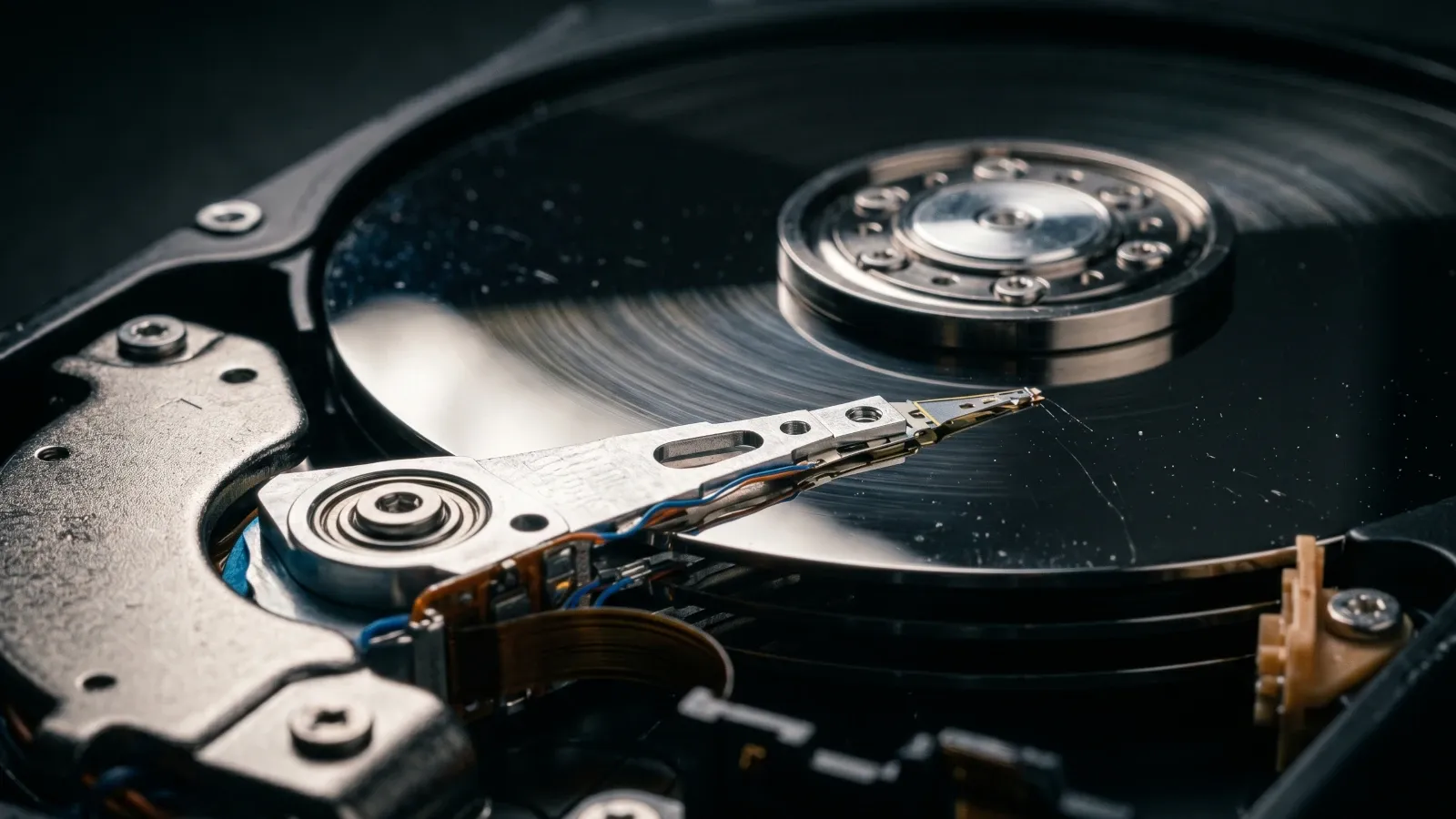
Why Do Unused Hard Drives Fail?
Hard drive failure during idle storage happens through several mechanisms. None of them require the drive to be powered on.
› Lubricant Dry-Out in Spinning Drives
Traditional HDDs rely on spindle bearings coated with lubricant. When a drive sits unused for months or years, that lubricant can dry out, thicken, or become unevenly distributed. When the drive is finally powered on, the bearing struggles to spin correctly. In some cases, the motor fails to start entirely — a condition IT teams sometimes call "stiction."
› Corrosion and Oxidation
Metal components inside drives are vulnerable to corrosion, especially when stored in environments with humidity fluctuations. Read/write heads and platters can develop surface oxidation over time. Drive enclosures offer some protection, but they are not hermetically sealed in most standard storage setups.
› Magnetic Decay
HDD platters store data by magnetizing tiny surface regions. Over time, those magnetic fields can weaken — a process known as magnetic decay or bit rot. The longer data sits without a refreshed write cycle, the greater the risk of degradation. Most manufacturers suggest that a drive sitting unused should be powered on and verified every 1 to 2 years for this reason.
› Flash Cell Charge Loss in SSDs
SSDs store data as electrical charges in flash memory cells. Without power, those charges leak over time. The rate varies by temperature and the age of the drive. Enterprise-grade SSDs are built to higher retention standards, but consumer and mid-range SSDs can begin losing data after 12 to 24 months of unpowered storage, particularly if they were stored in warm environments.
Idle storage is not passive. Drive components age, degrade, and fail on their own timeline, whether powered on or not.
How Long Can a Hard Drive Sit Unused Before It Fails?
There is no single answer. Failure risk depends on the drive type, storage conditions, and age of the drive before it went into storage. That said, common patterns from field experience and manufacturer guidance suggest the following:
| Drive Type | Typical Risk Onset | Key Failure Mode | Risk Level |
|---|---|---|---|
| HDD (3.5" enterprise) | 12–24 months unpowered | Lubricant dry-out, stiction | Medium |
| HDD (desktop/consumer) | 6–18 months unpowered | Corrosion, bearing failure | High |
| SSD (enterprise NVMe) | 24+ months unpowered | Flash charge retention loss | Lower |
| SSD (consumer SATA) | 12–18 months unpowered | Flash charge retention loss | Medium |
| Tape (LTO) | 10–30 years (cool, dry) | Magnetic decay, binder hydrolysis | Lower |
Even in best-case scenarios, no physical storage medium is indefinitely stable. All of the timelines above assume proper storage conditions: stable temperature, low humidity, and no physical impact.
What About Storage Conditions?
Warm or hot environments such as attics, server rooms with inconsistent cooling, and data center hot aisles degrade significantly faster. Heat accelerates lubricant breakdown in HDDs and charge leakage in SSDs.
High humidity environments such as basements, loading docks, and non-climate-controlled warehouses create corrosion risk on internal metal components and circuit boards.
Environments with vibration near industrial equipment, HVAC systems, or frequent floor traffic can cause platter surface damage in HDDs even without power.
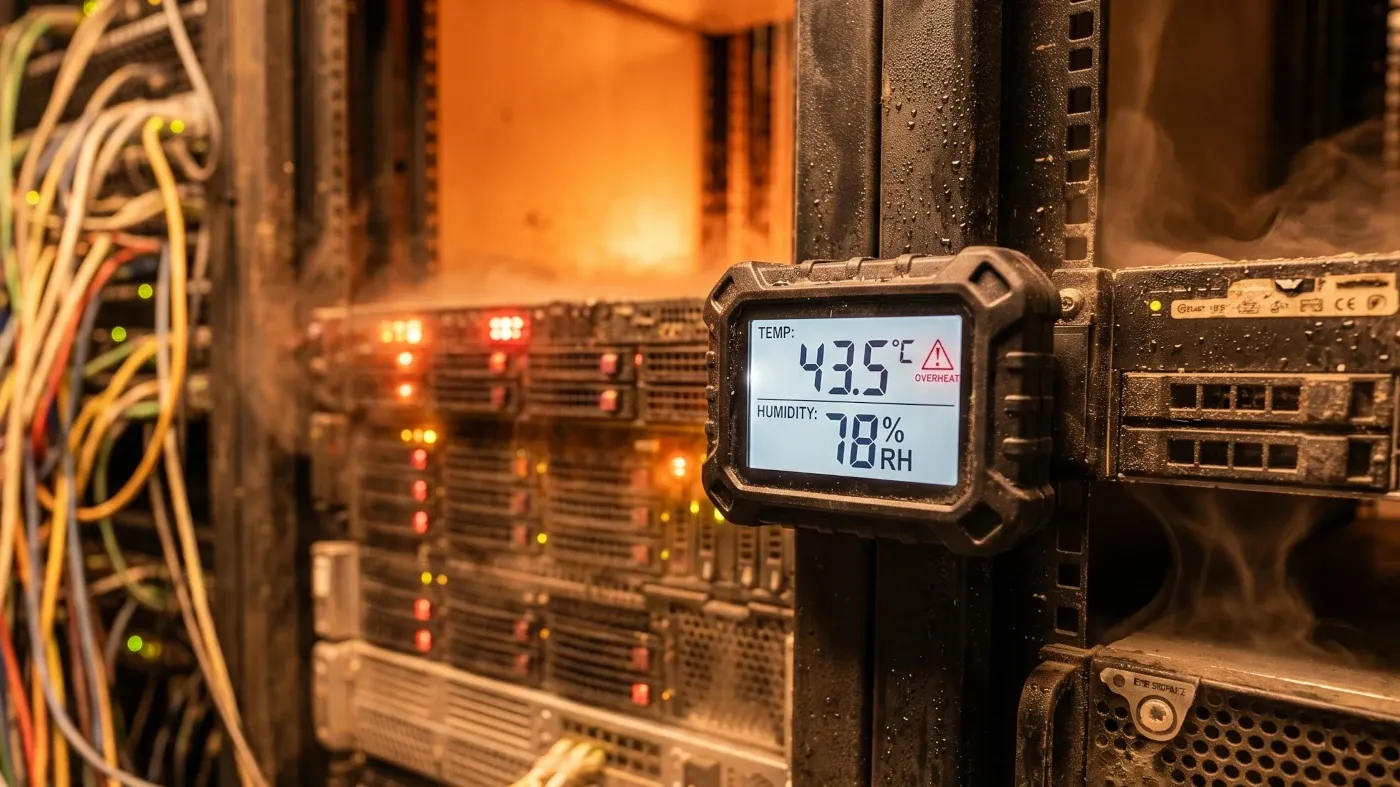
Even well-controlled data center environments are not immune. Thermal cycling — the repeated heating and cooling as ambient temperatures shift — stresses drive components over time.
What This Means for Archived Data
Many organizations use physical drives as a long-term archive strategy. Retired servers get wiped and repurposed, but in some cases, drives are pulled and shelved with the assumption that data can be recovered later if needed.
This is a risky strategy for any data that has real retention requirements, including financial records, healthcare data, legal documents, compliance archives, and customer information that falls under regulatory hold periods.
A drive failure during that retention window is not a minor inconvenience. It can mean an inability to respond to a legal discovery request, a compliance violation, or a permanent loss of records that took years to accumulate.
If the data has a retention requirement, it deserves a storage solution built for retention. Not a shelf and a prayer.
Physical Drives vs. Cloud Storage: A Practical Comparison
For organizations deciding how to handle long-term data retention, this comparison is worth considering directly.
| On-Premises Physical Drives | AWS Cloud Storage (S3, S3 Glacier) |
|---|---|
| Degrades without active monitoring | Data persisted across multiple availability zones |
| Failure risk increases with age and inactivity | 11 nines (99.999999999%) durability on Amazon S3 |
| No automatic redundancy | Continuous integrity checks built in |
| Recovery cost if drive fails can be significant | No hardware to manage or replace |
| Physical access required to verify integrity | Tiered pricing: active, infrequent access, and archive |
| Environmental conditions affect reliability | Access controls and audit logging built in |
| CapEx cost upfront; maintenance overhead ongoing | Scales without procurement or lead time |
| No audit trail for data access by default | Supports compliance and retention policies natively |
When AWS Makes Sense for Long-Term Data Retention
Not every file needs cloud storage. But if you are weighing where to keep data that must survive 5, 7, or 10 years — particularly under regulatory pressure — AWS provides a level of durability that physical drives simply cannot match over that time horizon.
Amazon S3 Standard is appropriate for data that needs to be accessible regularly. It replicates across at least three availability zones automatically.
Amazon S3 Standard-Infrequent Access (S3-IA) is designed for data accessed less than once per month. Cost is lower than Standard, durability is identical.
Amazon S3 Glacier and Glacier Deep Archive are built specifically for long-term archive storage. Deep Archive is the most cost-effective option AWS offers for data that needs to be retained but rarely or never accessed. Retrieval times range from minutes to hours.

For organizations with significant data volumes, AWS also supports lifecycle policies that automatically move data between storage tiers as it ages, reducing costs without manual intervention.
Frequently Asked Questions
Can I recover data from a hard drive that failed while in storage?
Sometimes. Professional data recovery services can retrieve data from drives with bearing failures or surface damage, but recovery is expensive — often $1,000 to $3,000 or more — and is never guaranteed. Prevention is more reliable than recovery.
How often should I spin up unused drives to keep them healthy?
Most drive manufacturers recommend powering on and running diagnostics at least every 12 months. Some enterprise storage teams do this quarterly for critical archival drives. A full surface scan helps identify developing issues before they become full failures.
Is tape storage better than hard drives for long-term archiving?
LTO tape has significantly longer archival stability than HDDs when stored correctly — potentially 30 years or more. However, tape requires specialized hardware to read, and the format evolves over time. Organizations that archived data on LTO-3 or LTO-4 cartridges a decade ago may now face compatibility challenges. Cloud storage avoids this problem entirely.
What happens to drives when we decommission servers?
Drives pulled from decommissioned servers should go through certified data erasure — specifically NIST 800-88 compliant wiping or physical destruction — before disposal. Simply deleting files or reformatting a drive does not make data unrecoverable. Certified ITAD vendors handle this process and provide documentation for audit purposes.
What is the cheapest way to store archived data in AWS?
Amazon S3 Glacier Deep Archive is currently the lowest-cost storage option AWS offers, at fractions of a cent per GB per month. For data that you are legally required to retain but do not expect to access, it is often more cost-effective than maintaining physical storage infrastructure long-term.
If the Data Matters, It Belongs in AWS — Not on a Shelf
Physical drives age, degrade, and fail without warning. If your organization has data with retention requirements, compliance obligations, or long-term value, ReluTech can help you move it to AWS and retire the hardware safely.
- Migrate archived data to Amazon S3, S3-IA, or Glacier Deep Archive
- Certified NIST data erasure on drives being decommissioned
- Hardware buyback on servers and storage being retired
- AWS Marketplace transactions to simplify procurement and billing
- Migration Acceleration Program (MAP) funding available for qualifying workloads
See how much value is sitting in your data center. Talk to a ReluTech advisor.